01
Choose the occasion
Start with a visual direction that already fits the mood of the event.
PalStory templates
Choose an occasion-led design, personalize the event and carry the same visual story from the guest experience into the QR materials you display.
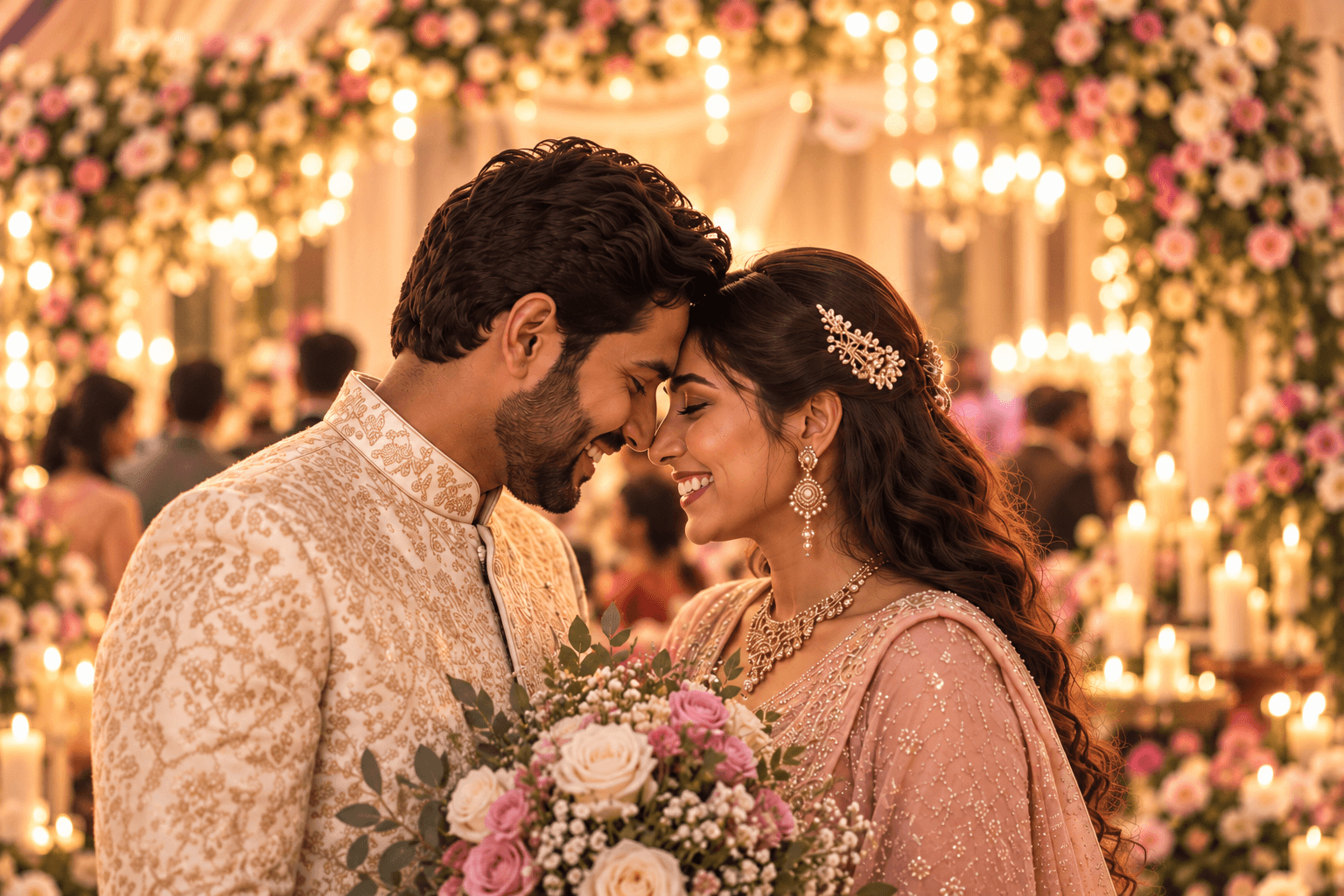
Wedding
Elegant & romantic
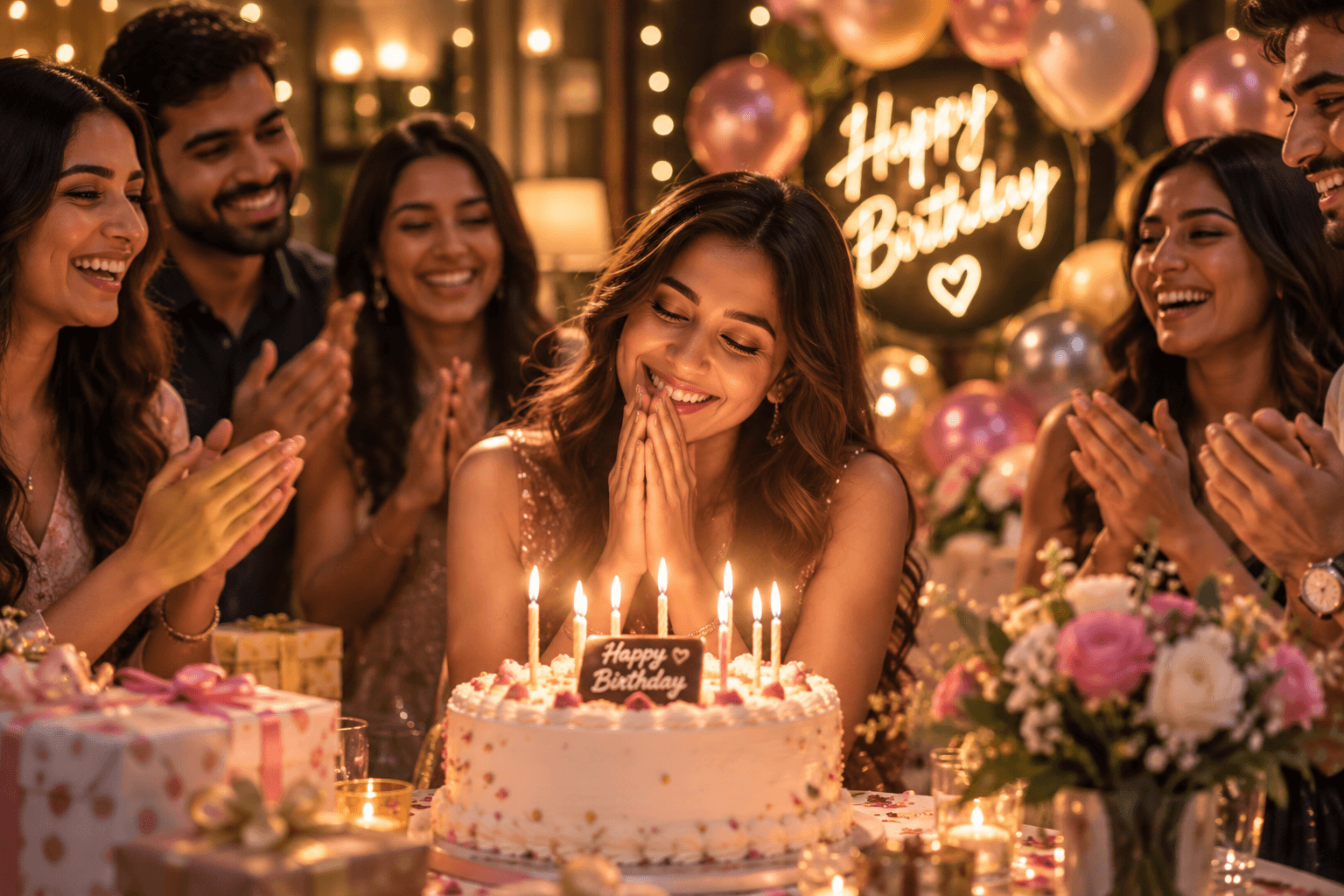
Birthday

Corporate
Choose the mood
Each template changes the mood, language and event framing while keeping the guest journey simple.
Elegant & romantic
A warm wedding experience designed around the couple, their families and the people behind the day.
Example event
Aarav & Meera
Say something they’ll want to hear again someday.
Joyful & personal
Perfect for birthday wishes, inside jokes, old memories and heartfelt messages from friends and family.
Example event
Aanya
Leave a message she’ll want to hear again someday.
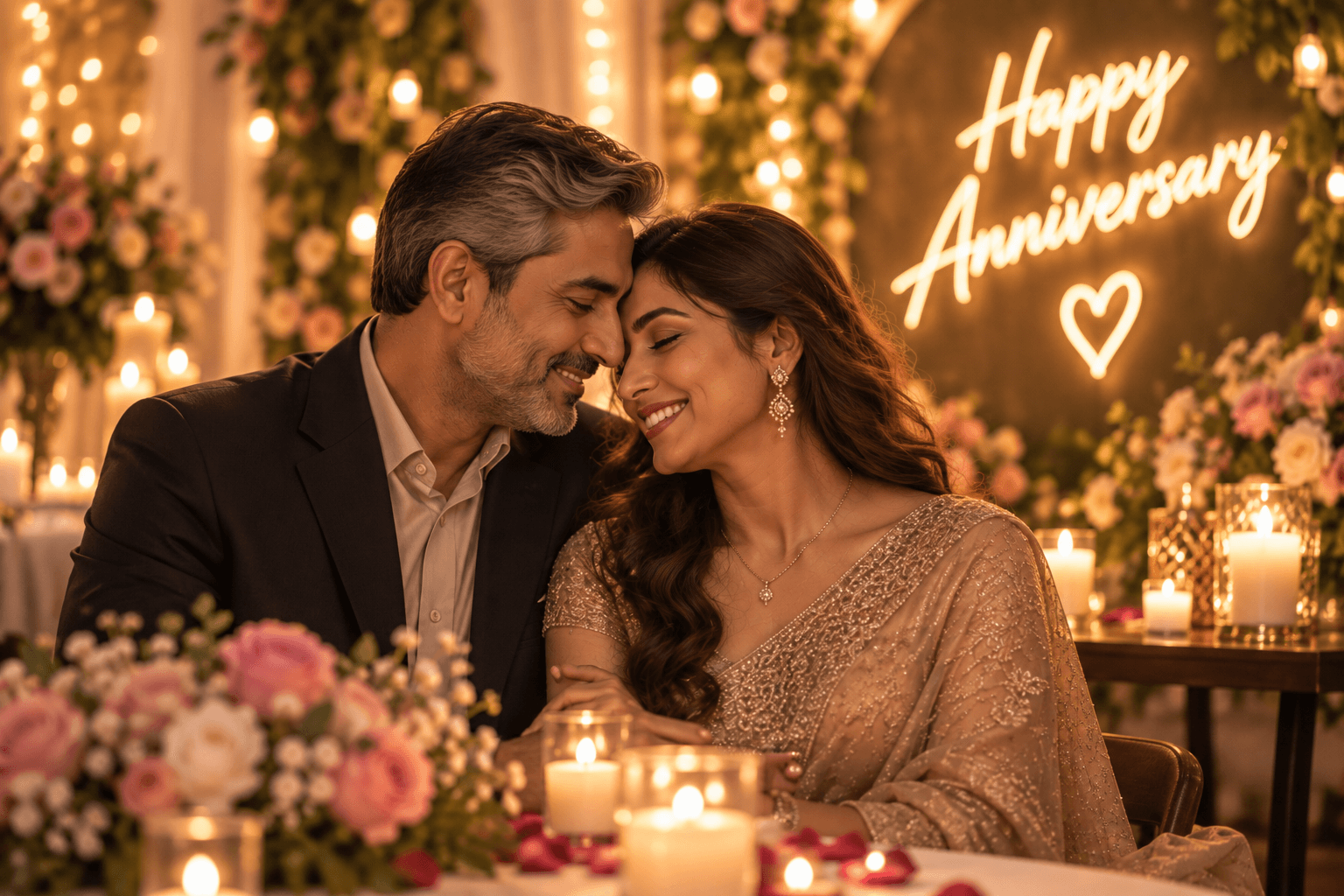
Timeless & warm
Celebrate years together through stories and wishes from the people who witnessed the journey.
Example event
Meera & Arjun
Twenty-five years, told by the people who shared the journey.

Proud & uplifting
For graduations, achievements, retirements and moments that deserve more than a congratulations card.
Example event
Anaya’s Graduation
Share a message for everything it took to get here.
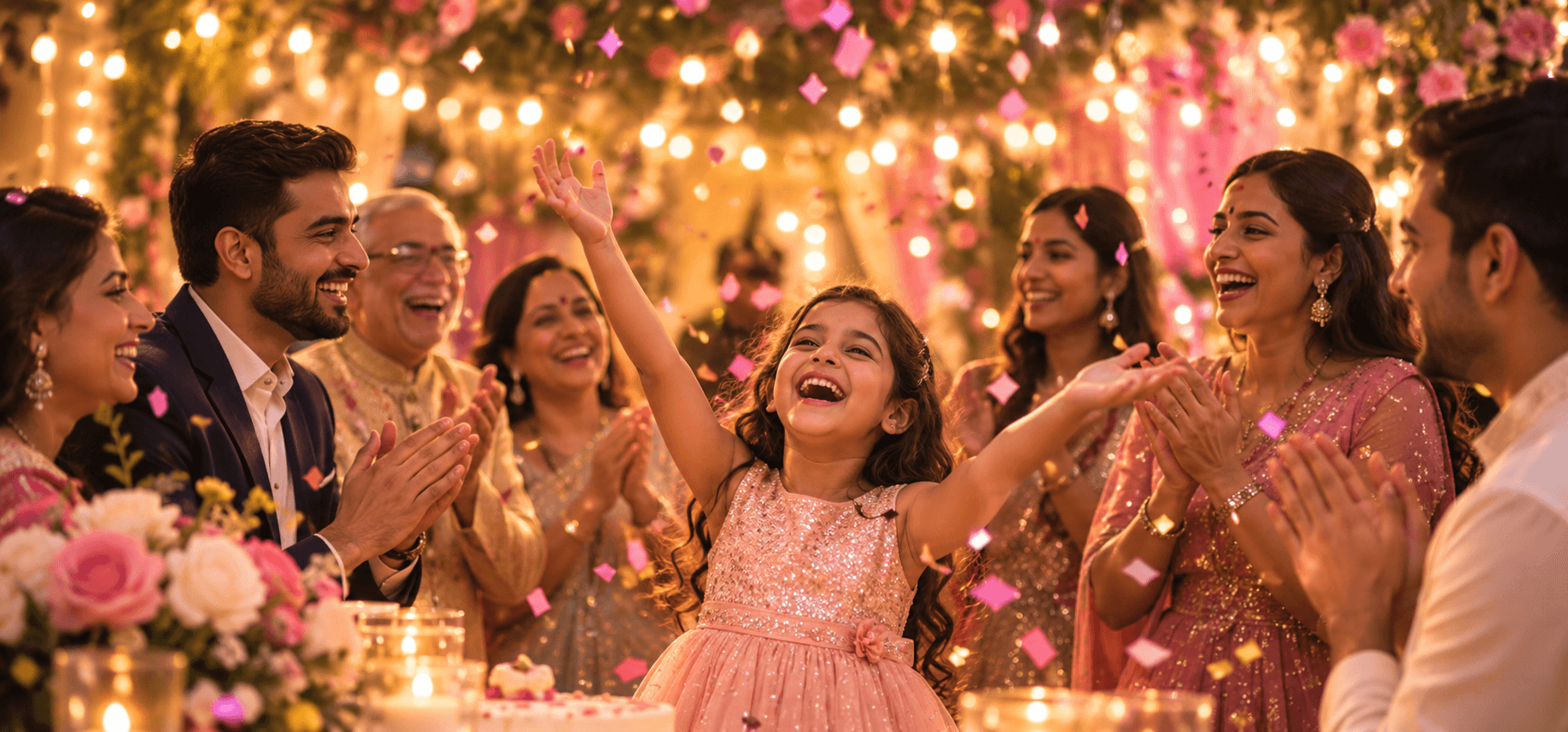
Flexible & joyful
A versatile design for baby celebrations, reunions, housewarmings and meaningful gatherings.
Example event
The Celebration
Say something they’ll want to hear again someday.
Professional & human
For awards, conferences, team milestones and farewells without making the experience feel corporate or cold.
Example event
Team Aurora
Share a message for the people behind the milestone.
A template is only the beginning
Start with a polished direction, then make the wording, imagery and event materials belong to the actual event.
The design gives you a starting point. The event makes it personal.
Start with a visual direction that already fits the mood of the event.
Add the event title, names, cover image, guest prompt and other event details.
Select the Welcome Board, Print Poster, Table Card or Digital Card you want for the event.
Once the event is created, PalStory uses the actual working event QR and saved design settings in the finished materials.
Example template
A wedding template with guest-focused language and a visual style that feels part of the celebration.
What changes by template
Templates shape the presentation around the event while the guest still gets the same simple scan, record, preview and submit flow.
Occasion-specific language
Event title and names
Event cover image
Guest message prompts
Visual mood and framing
Saved Event Materials design
From Design Studio to the real event
Celebration, Professional and Customize can turn the selected design into finished Event Materials using the event's actual working PalStory QR.
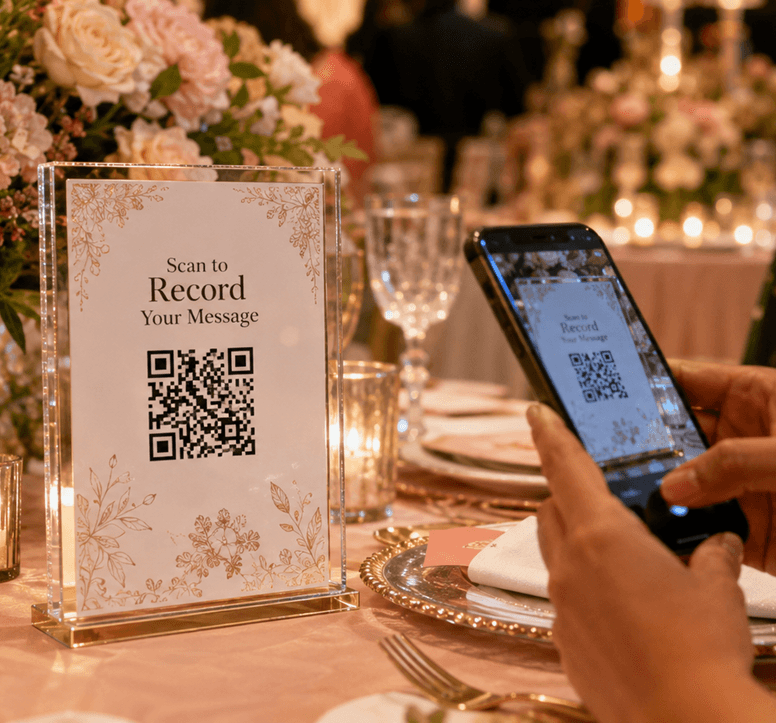
A finished material should already be ready to print, place or share.
A larger event display for entrances, welcome areas and prominent venue placement.
A print-ready poster with the event design and working PalStory QR already composed.
A compact table-friendly material that keeps the QR close to where guests are sitting.
A shareable digital version for invitations, WhatsApp, email and event communication.
Option 1
The organizer can download the event's standalone working QR and place it wherever they choose.
Option 2
The saved design, text, styling and actual working QR are already composed into the final asset.
Templates by plan
Free
Create your first PalStory with the core event experience and a working event QR.
Celebration
Adds premium visual options plus designed Event Materials for personal celebrations.
Professional
Includes Celebration features and adds stronger event branding and custom branded materials.
Customize
Keeps Professional-level template, branding and custom branded material features for events that need more capacity.
Choose the moment
Pick the occasion that feels closest to your event, personalize it and carry that design through to the QR experience.